Enhancing VDI Performance in Banking and Trading with LoadGen
Real-world Citrix VDI load test at a financial institution: 4,000 virtual users across 90 LoadGen agents, driven by realistic trading and banking workloads.
LoadGen Engineering
Product Strategy
In the high-stakes environment of banking and trading, every millisecond counts. Financial institutions rely heavily on their Citrix Virtual Desktop Infrastructure (VDI) to securely deliver critical business applications to thousands of employees. Any downtime, delays, or performance issues directly translate into financial risk and potential reputational damage.
In this blog, we share insights from a real-world performance test conducted with LoadGen. This testing tool showcases its powerful capabilities in managing a complex, intensive workload across a large-scale Citrix VDI environment.
The Test Setup: A Real-World Scenario
4000 Virtual Users Across 90 LoadGen Agents
Hardware Specifications per Agent: Intel Gold processors, 16 vCPUs, 32GB memory.
Users were distributed across 8 separate Citrix desktop pools (a newly supported feature by LoadGen).
The test simulated an intensive banking workload involving various critical business applications, including ID verifications, processing sensitive financial operations, and everyday office tasks such as working with documents, spreadsheets, and PDF files (all simulations performed with anonymized test data).
Why LoadGen’s No-Code Solution Stands Out
Creating intricate and realistic test scenarios typically requires extensive scripting knowledge. This process often slows down the testing cycle significantly. LoadGen’s no-code solution simplifies this:
LoadGen Studio allows users to record complex business workflows effortlessly. You can walk through your workflow, and LoadGen captures every interaction seamlessly.
Easily adjust scenarios visually, converting sophisticated financial processes into manageable and clear test scripts within hours instead of days.
Executing Multiple Intensive Test Scenarios
The test included various scenario configurations to reflect different realistic workloads and user login behaviors:
Scenario 1:
60% of users log in within 20 minutes (20 vUsers every 10 seconds).
The remaining 40% log in within the next 20 minutes (14 vUsers every 10 seconds).
Scenario 2:
50% of users log in within 30 minutes (11 vUsers every 10 seconds).
60-minute idle waiting period.
The remaining 50% of users log in within another 30 minutes (11 vUsers every 10 seconds).
These scenarios allowed LoadGen to accurately simulate peak usage periods, critical morning login spikes, and recovery periods. This ensures VDI performance under varying and realistic business conditions.
Real-Time Monitoring and Immediate Insights
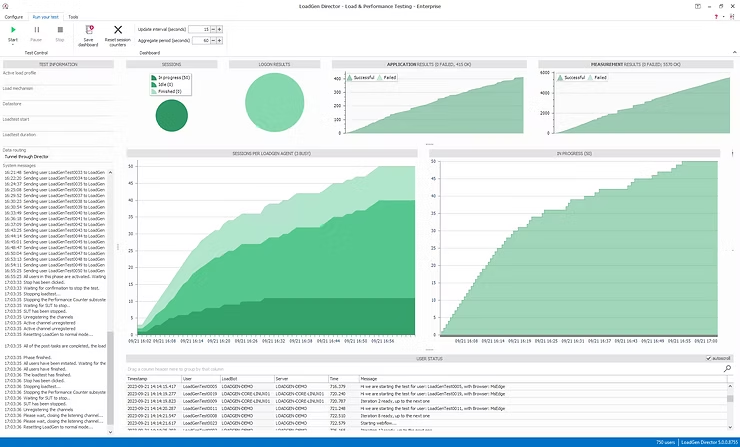
During the test runs, LoadGen Analyzer provided continuous real-time performance data. This was complemented by the LoadGen Director, which offers an overview dashboard highlighting essential test metrics, including login status, remaining test duration, application successes, and failures, as well as measurement transaction successes and failures:
Instantaneous tracking of user logins, response times, and throughput.
Immediate alerts and detailed dashboards pinpointing delays and application bottlenecks.
Proactively identifying performance degradations allowed for swift corrective actions, even before the test concluded.
Results and Impact
LoadGen reliably identified performance thresholds and clearly showed how the Citrix environment handled peak user loads across multiple desktop pools.
Precise visibility into latency and responsiveness at the GUI level provided confidence in the end-user experience.
Significant reduction in time-to-test, thanks to LoadGen’s intuitive, no-code scenario creation, enabling rapid iterations and quick performance validations.
Additionally, screenshots can be automatically captured and sent from user sessions. This feature allows for immediate investigation into application errors encountered during testing.
Conclusion: Proven Confidence Under Pressure
LoadGen’s real-world testing scenario for banking and trading demonstrates how financial institutions can confidently prepare for peak workloads. It enables proactive management of performance risks and consistently meets compliance standards. By conducting rigorous, scenario-driven testing that closely replicates real-world workloads, LoadGen uncovers potential performance bottlenecks and critical application errors before they impact end users.
With built-in analytics and automated screenshot-based error reporting, teams can quickly pinpoint and resolve issues. This capability significantly enhances operational stability and efficiency. By leveraging LoadGen’s sophisticated yet straightforward no-code testing capabilities, financial IT departments can substantially decrease their troubleshooting burden. This allows teams to focus on strategic optimization and innovation initiatives.
Interested in learning how LoadGen can elevate your banking or trading infrastructure performance? Discover LoadGen’s extensive testing features today and confidently ensure your VDI solution delivers consistent, flawless performance-even under intense workloads and challenging scenarios.
Final Thoughts
In today's fast-paced banking environment, advanced testing tools like LoadGen are essential. They not only improve performance but also ensure that financial institutions can manage their operations smoothly. As demands increase and technologies evolve, having a reliable performance testing solution becomes a strategic advantage. Implementing LoadGen is more than just ensuring system reliability; it's about gaining confidence in every transaction.
Related reads
Keep reading.
Enhancing User Experience: A Load Testing Journey with a Renowned Hotel Chain
LoadGen WebTesting case study with a renowned hotel chain: performance and functional validation of a revamped user-account platform, from realistic simulation to reporting.
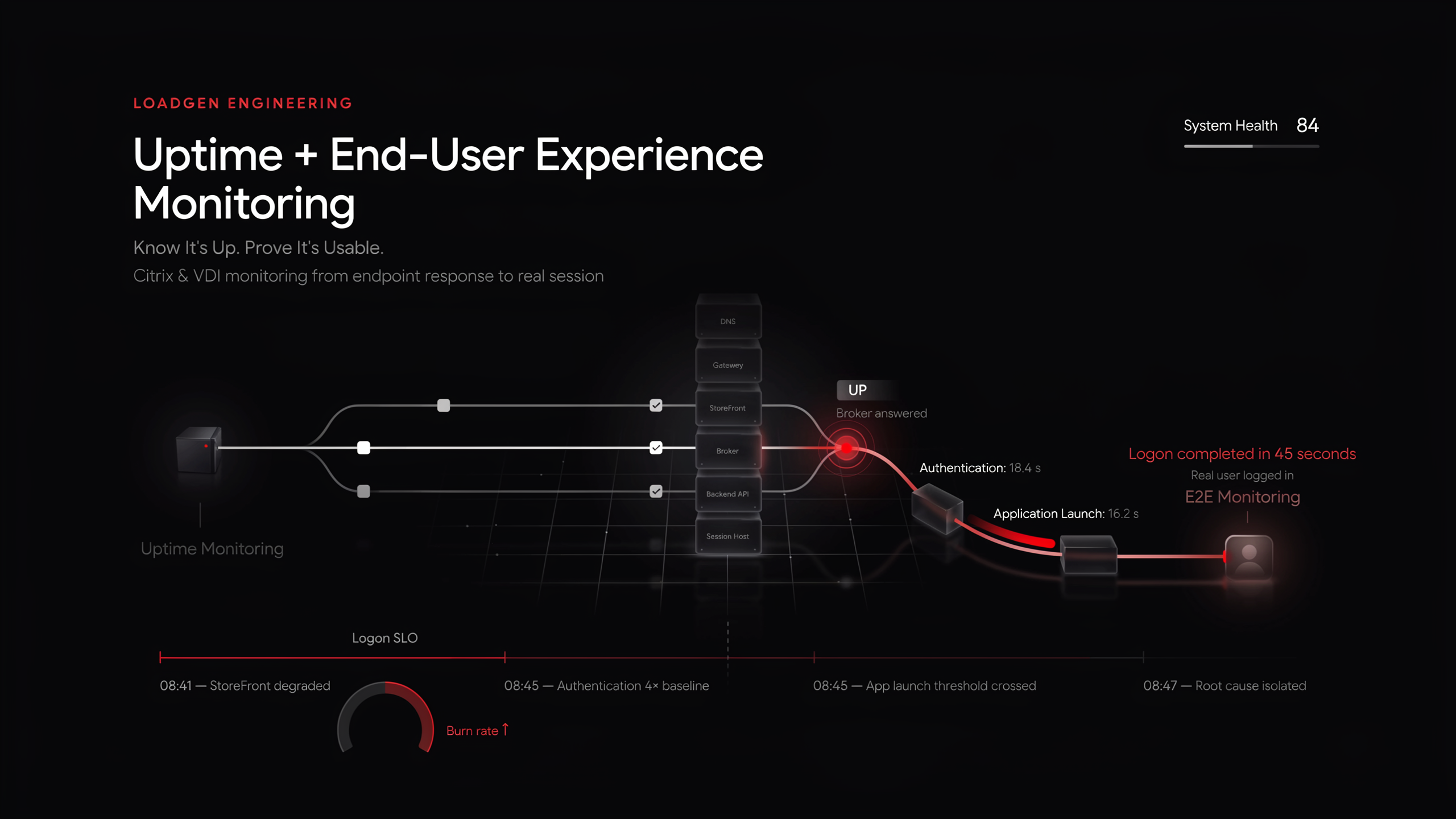
Uptime Monitoring + End-User Experience Monitoring for Citrix & VDI | LoadGen
Uptime says the broker answered. End-to-end monitoring says a real user logged in, and did it in 45 seconds. Why VDI needs both, and how to run them on one platform.
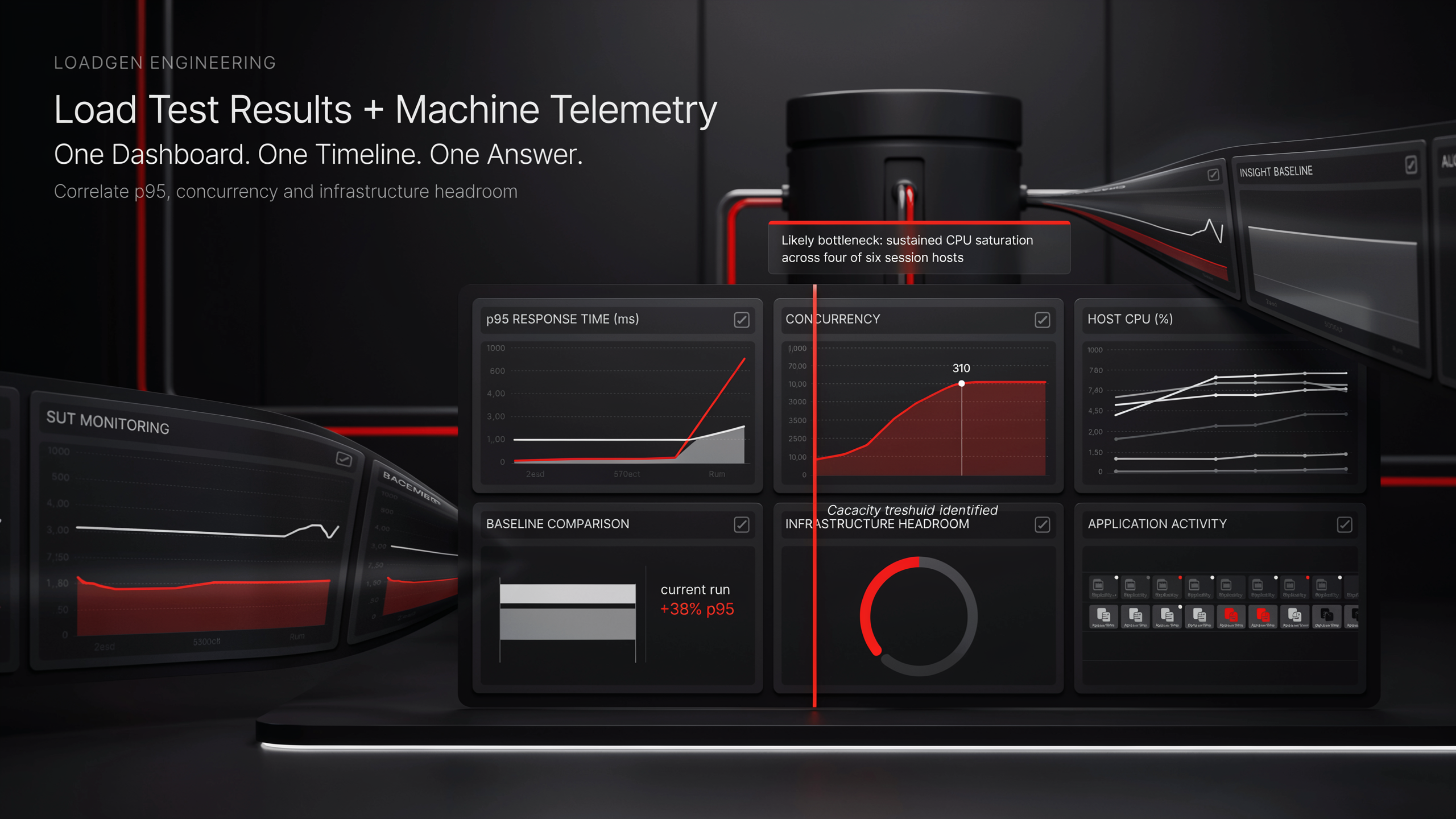
Combine Machine Telemetry with Load Test Results in One Dashboard | LoadGen
Load tests tell you p95 went up. Machine telemetry tells you why. Build one dashboard over both, in LoadGen Analyse with AI or in Grafana over the same InfluxDB.
Ready to baseline your environment?
Run the wizard, hit the cockpit, watch the audit trail build itself.
